Port Availability Monitoring for Servers
Monitor any service port for availability and performance. Detect open, closed, or timeout conditions and receive real-time alerts confirmed from multiple locations to reduce false positives.
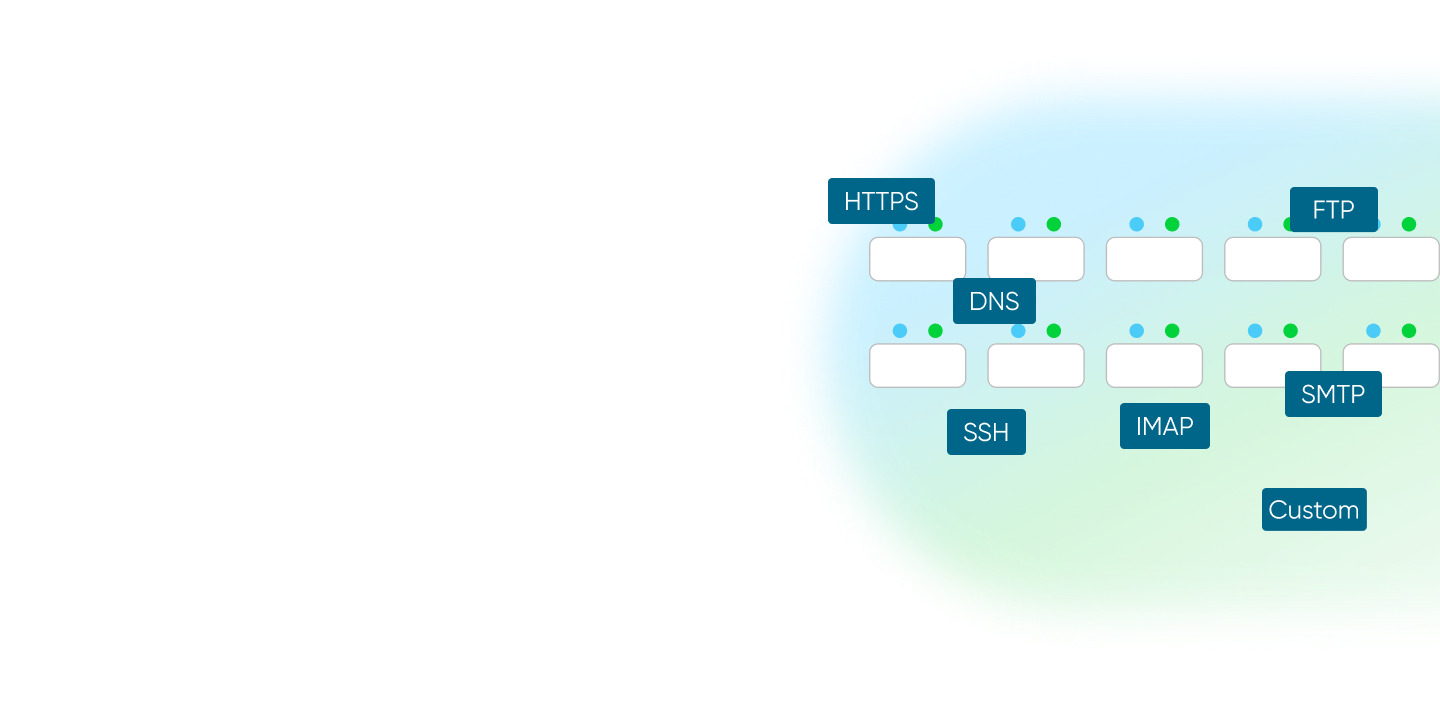
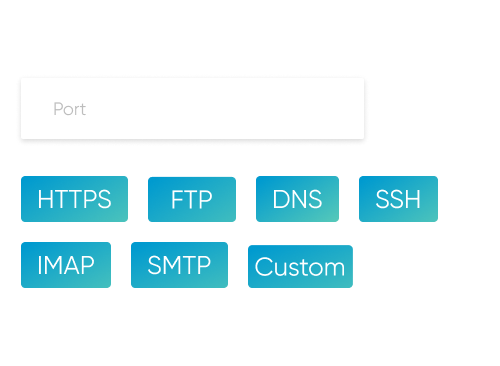
Monitor All Server Ports (TCP and UDP)
Ensure that databases and other services operating on various ports remain reachable. Monitor any port number for Transmission Control Protocol or User Datagram Protocol, including 80 and 443 (Hypertext Transfer Protocol and Hypertext Transfer Protocol Secure), 22 (Secure Shell), 21 (File Transfer Protocol), and custom application ports such as 3306 or 5432. Track connection status and response time, and receive alerts on connection refused or timeout.
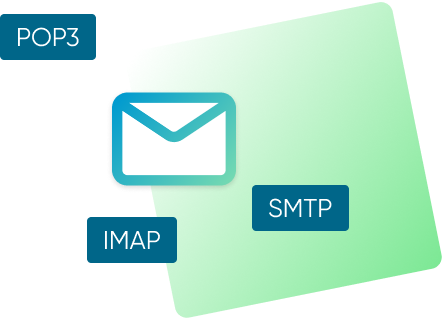
Email Port Monitoring (SMTP, IMAP, POP3)
Set up monitoring for electronic mail ports to detect delivery issues early: 25, 465, and 587 (Simple Mail Transfer Protocol), 110 and 995 (Post Office Protocol version 3), and 143 and 993 (Internet Message Access Protocol). Receive alerts on connection failures, slow responses, or refusal that can delay sending or receiving messages.

DNS Port 53 Monitoring for Name Resolution
Monitor the availability of Domain Name System services on port 53 for authoritative or recursive servers. Get alerts on timeouts or connection refusal that can break name resolution and affect website and electronic mail availability

Instant Notifications for Port Status Changes
Receive immediate alerts via electronic mail, in-application notifications, Viber, Telegram, or Short Message Service when a monitored port becomes unreachable or recovers, so you stay informed wherever you are
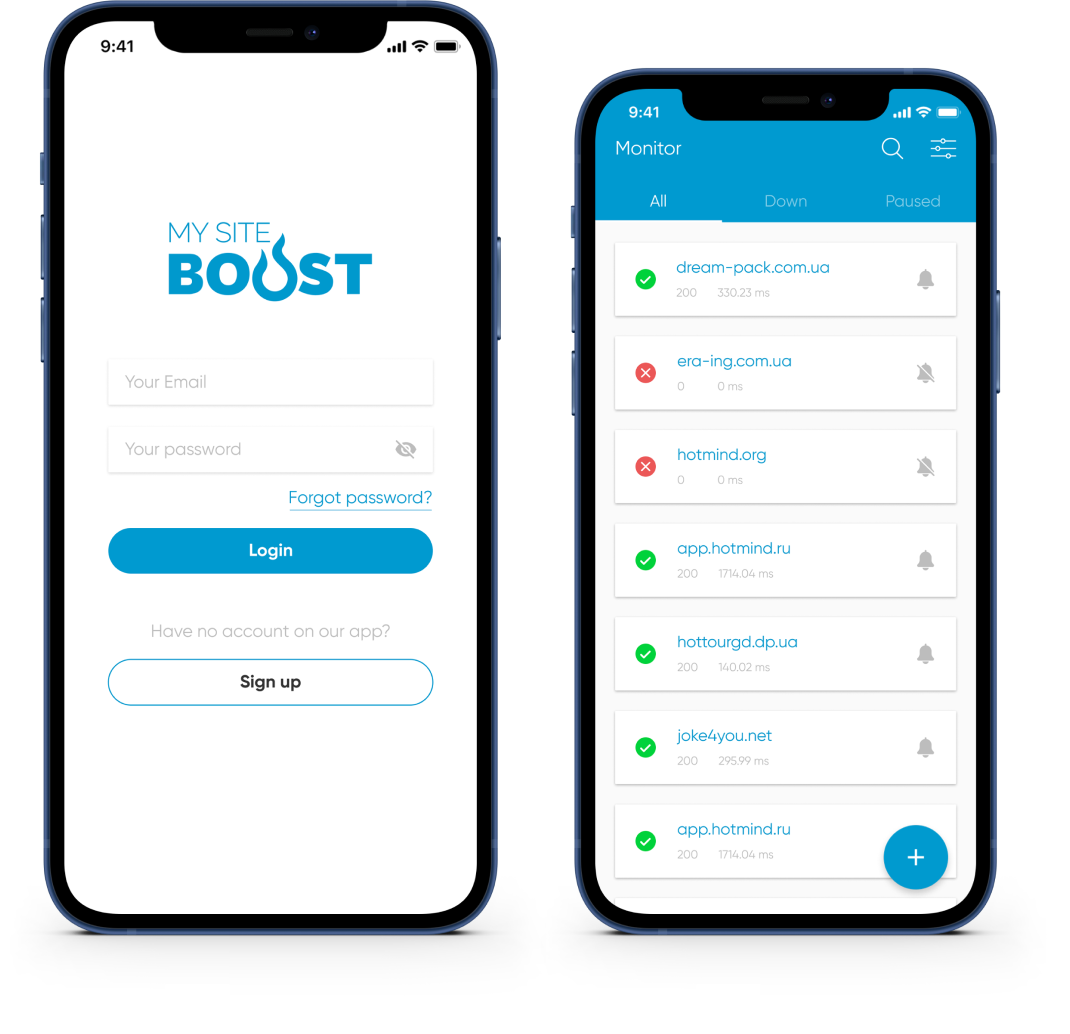
Mobile Application for Port Monitoring and Incident Reports
The mobile application lets you track the status of monitored ports and services, receive real-time alerts, and view incident history and reports wherever you are


Advanced Port Monitoring Capabilities for Expert Users
Multi-Location Confirmation
Confirm incidents from several locations before alerts to reduce false positives caused by local network issues
Alert Thresholds and Recurrence
Set thresholds and repeat frequency so prolonged outages or repeated port failures remain visible until resolved
Maintenance Window
Pause checks during planned maintenance to suppress alerts and automatically resume monitoring afterwards
Incident Analysis
Use timelines and logs to examine connection failures and response time spikes on monitored ports
Port Response Time
Track connection response time on charts to identify degradation trends and fix performance issues
Custom HTTP/HTTPS Requests
For HTTP or HTTPS ports configure request method, path, and headers to match your application
Website Monitoring Tools: SSL, Domain, Ports, Ping & Keywords

Website monitoring
Monitor website availability at regular intervals and get real-time alerts before issues impact users. Keep uptime high and reduce costly downtime.

SSL monitoring
Track SSL certificate validity and receive renewal reminders 30/14/7 days in advance to prevent warnings and outages.

Domain expiration monitoring
Monitor domain expiration dates and get proactive reminders so renewals never slip. Avoid service disruption and keep your website online.

Ping Monitoring
Verify availability and latency with ICMP ping checks and get notified if response times spike or hosts go offline.

Keyword monitoring
Check for required keywords in HTML/JSON responses to confirm correct rendering and API output, and get alerts when content changes unexpectedly.
Need port monitoring help? Send a request
Our team will help you set up port monitoring, fine-tune alert thresholds, and connect the necessary notification channels. Contact us to ensure that your critical services remain available