Keyword monitoring for Any Webpage in Real Time
Monitor the presence or absence of a word or phrase in a page’s HTML and receive instant alerts

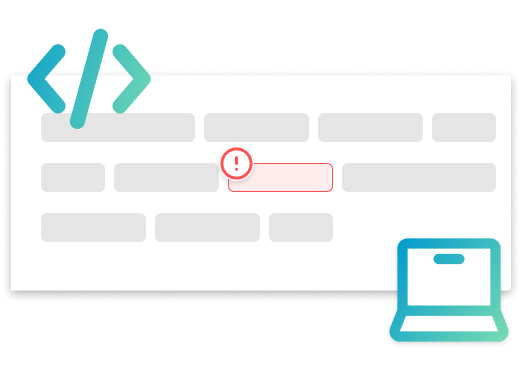
Keyword Monitoring in HTML: Presence or Absence
Create monitors that alert when a word or phrase is present or missing in the HTML returned by the page
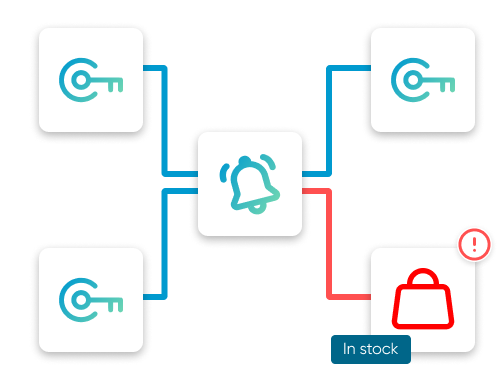
Keyword Monitoring Use Cases for Webpages
Back-in-stock notifications when “In stock” appears, policy or terms wording changes, competitor page updates, new job or tender postings matching a chosen phrase

Instant Keyword Alerts
Alerts delivered via email, in-app, Viber, Telegram, or SMS with adjustable frequency to reduce noise
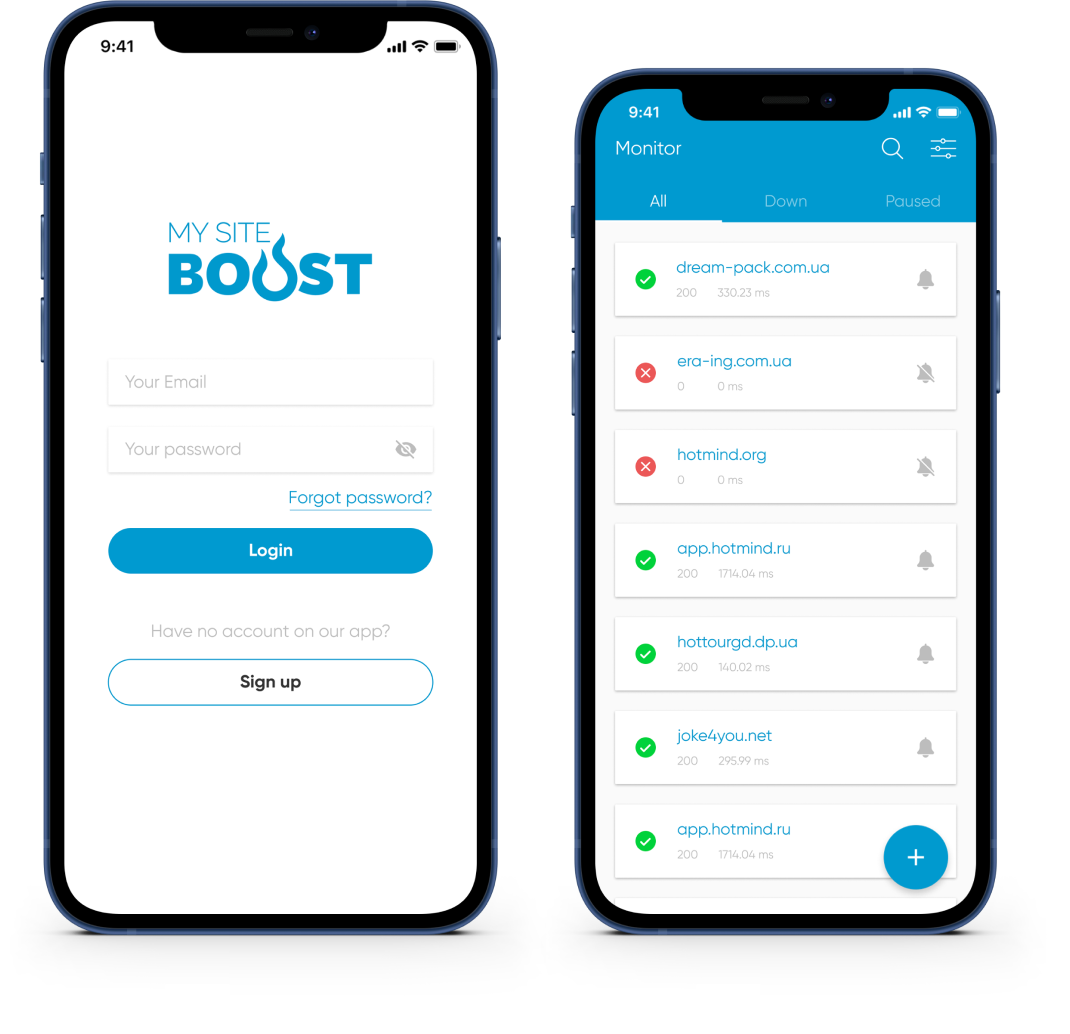
Mobile App for Keyword Monitoring Alerts
The mobile app enables monitoring on the go and real-time alerts across supported channels


Advanced Capabilities for Keyword Monitoring
Multi-Location Verification for Keyword Alerts
Keyword alerts are confirmed from multiple geographic locations to minimize false positives and improve reliability
Recurring Keyword Alerts and Adjustable Frequency
Control alert frequency and repeats for each keyword monitor to match content update patterns without adding noise
Maintenance Windows for Keyword Monitoring
Pause keyword monitoring during planned maintenance windows to suppress non-actionable alerts and avoid alert fatigue
Noise Reduction for Keyword Monitoring Alerts
Use multi-location verification and adjustable alert repeats to reduce false positives and keep keyword monitoring alerts actionable
Scheduling and Quiet Hours for Keyword Monitoring
Configure notification schedules and quiet hours for keyword monitoring to control when alerts are sent and prevent unnecessary interruptions
Custom HTTP Headers for HTML Keyword Monitoring
Configure required HTTP headers for HTML keyword monitoring on pages that expect specific headers to return the correct content
Website Monitoring Tools: SSL, Domain, Ports, Ping & Keywords

Website monitoring
Monitor website availability at regular intervals and get real-time alerts before issues impact users. Keep uptime high and reduce costly downtime.

SSL monitoring
Track SSL certificate validity and receive renewal reminders 30/14/7 days in advance to prevent warnings and outages.

Domain expiration monitoring
Monitor domain expiration dates and get proactive reminders so renewals never slip. Avoid service disruption and keep your website online.

Port monitoring
Monitor critical TCP/UDP ports for key services (email, databases, APIs) and get alerts on failures to prevent interruptions.

Ping Monitoring
Verify availability and latency with ICMP ping checks and get notified if response times spike or hosts go offline.
Start Keyword Monitoring in Minutes
Set up a keyword monitor, choose alert channels, and get notified the moment a phrase appears or disappears in a page’s HTML. Have questions? Contact us — the team will help configure checks and schedules