Website Monitoring Alert Integrations and Real-Time Notifications
Receive real-time notifications about website uptime incidents before users are affected. Detect issues early, confirm incidents across multiple geographic locations to reduce false positives, and act promptly with reliable, configurable alert integrations

Instant Notifications
Receive immediate incident notifications through Electronic Mail, the Mobile Application, Viber, Telegram, and Short Message Service with MySiteBoost. Stay informed wherever you are and respond quickly to website uptime and performance issues

Receive notifications about important events through our Mobile Application or Web Platform to monitor status in real time and act without delay

Electronic Mail is the primary channel for incident notifications about any service disruption or performance issue, providing clear context to accelerate investigation and resolution

Connect the official Telegram chatbot to receive alerts directly in chat for fast and reliable delivery of incident updates

Receive instant notifications through Viber Messenger to support quick responses for teams that already use this communication channel

Stay updated without internet access with Short Message Service notifications, which are suitable for high-priority incidents when continuous reachability is essential.
Connect Your Preferred Notification Method
If your preferred alert integration is missing, submit a request, and the team will configure the required communication channel for your workflow
Stay Connected with the Mobile Application
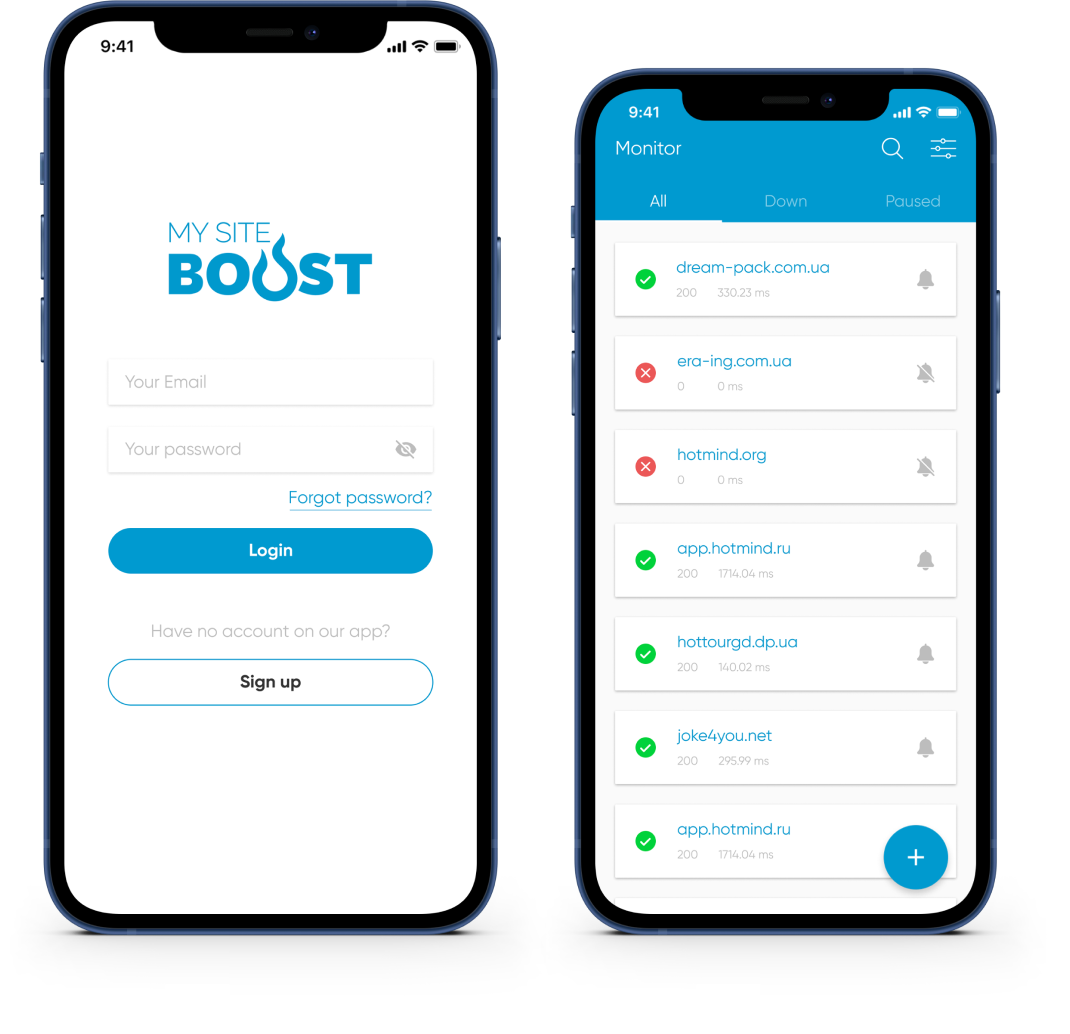
Monitor website status, receive real-time alerts, and access incident details wherever you are. The mobile companion keeps you updated and ready to react


Advanced Capabilities for Monitoring and Alert Integrations
Multi-Location Certificate Verification
Confirm incidents from multiple geographic locations to minimize false positives caused by local network conditions or transient issues
Recurring Alerts for Expiry & Certificate Issues
Customize thresholds and notification frequency to stay on top of critical outages and maintain timely awareness of ongoing incidents
Maintenance Windows for Certificate Operations
Pause notifications during scheduled maintenance windows in order to avoid unnecessary alerts while monitoring continues to collect visibility data
Incident Management & Certificate Details
Investigate root causes with incident details and history to reduce repeated issues and improve long-term reliability
Uptime & Response-Time Metrics (SSL-Aware)
Track response times with detailed charts to identify performance bottlenecks, speed up acknowledgement, and resolve incidents faster
Custom HTTP Requests for Secured Routes
Configure advanced Hypertext Transfer Protocol requests and headers to meet specific validation needs and improve monitoring accuracy
Website Monitoring Tools: SSL, Domain, Ports, Ping & Keywords

Website monitoring
Monitor website availability at regular intervals and get real-time alerts before issues impact users. Keep uptime high and reduce costly downtime.

SSL monitoring
Track SSL certificate validity and receive renewal reminders 30/14/7 days in advance to prevent warnings and outages.

Domain expiration monitoring
Monitor domain expiration dates and get proactive reminders so renewals never slip. Avoid service disruption and keep your website online.

Port monitoring
Monitor critical TCP/UDP ports for key services (email, databases, APIs) and get alerts on failures to prevent interruptions.

Ping Monitoring
Verify availability and latency with ICMP ping checks and get notified if response times spike or hosts go offline.

Keyword monitoring
Check for required keywords in HTML/JSON responses to confirm correct rendering and API output, and get alerts when content changes unexpectedly.